Home > Mac administration, macOS, Management Profiles, Self Service+ > Showing or hiding the 2026-6-8 18:11:11 Author: derflounder.wordpress.com(查看原文) 阅读量:31 收藏
Home > Mac administration, macOS, Management Profiles, Self Service+ > Showing or hiding the Self Service+ menubar icon
Showing or hiding the Self Service+ menubar icon
Self Service+ 2.23.0 (released on June 8 2026) includes new options for customizing how Self Service+ appears to users. The documentation for these options is available via the following links:
- Configuring Self Service+ Administrator Controls: https://learn.jamf.com/r/en-US/self-service-plus-documentation/Configuring_Self_Service_Administrator_Controls
- Administrator Controls Configuration Profile Example: https://learn.jamf.com/r/en-US/self-service-plus-documentation/Administrator_Controls_Configuration_Profile_Example
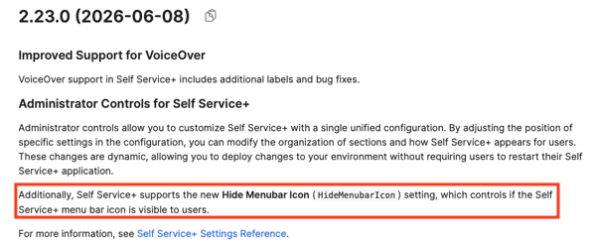
One of the customization options called out in the release notes for Self Service+ 2.23.0 is whether or not the Self Service+ menubar icon is visible in the menubar.

For more details, please see below the jump.
You can use the new Self Service+ administrator controls to configure the Self Service+ menubar icon to be hidden using a configuration profile. The example profile shown below includes the necessary settings to enforce hiding the Self Service+ menubar icon:
Before the profile’s installation, the Self Service+ icon appears in the menubar.

Once the profile is installed, the the Self Service+ icon no longer appears in the menubar.

如有侵权请联系:admin#unsafe.sh